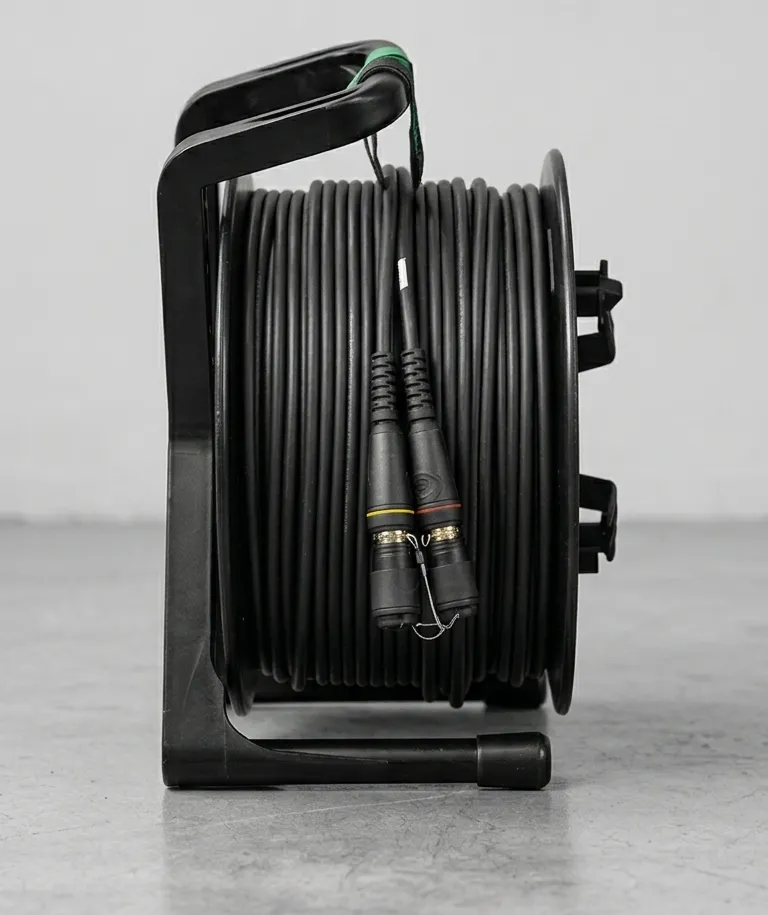
Multimode Fiber Distance Limits: Complete Reference
Every multimode fiber link has a hard distance ceiling. Exceed it and you get bit errors, dropped packets, or total signal loss — no warning lights, no graceful degradation. The ceiling depends on the fiber grade, the data rate, and the real-world losses in your cable path.
This guide covers the actual distance limits for OM3 and OM4 multimode fiber at every common data rate, what determines those limits, and when to stop fighting multimode and switch to single mode.
Understanding Multimode Fiber Distance
Multimode fiber (50/125 μm) operates at 850 nm using VCSEL laser sources. Light enters the 50-micron core and travels along multiple paths (modes) simultaneously. Each mode takes a slightly different path through the core and arrives at the receiver at a slightly different time. This is modal dispersion, and it’s the fundamental constraint on multimode distance.
The further light travels, the more those modes spread apart in time. At some point the receiver can no longer distinguish individual bits from the smeared-out pulse. That point is your distance limit.
Fiber manufacturers quantify this with effective modal bandwidth (EMB), measured in MHz·km. OM3 fiber (Corning ClearCurve, for example) is rated at 2,000 MHz·km. OM4 hits 4,700 MHz·km. Higher bandwidth means the modes stay tighter for longer, which means more distance at a given data rate.
The relationship is straightforward: double the data rate, roughly halve the maximum distance. This is why 10G reaches 300-400 meters on multimode while 100G tops out at 100-150 meters.
Maximum Distance by Data Rate
These are the IEEE and TIA standard maximum distances for OM3 and OM4 fiber. They assume a clean link with factory-terminated connectors and no intermediate splices.
| Data Rate | Standard | OM3 Distance | OM4 Distance |
|---|---|---|---|
| 1G Ethernet | 1000BASE-SX | 1,000 m | 1,000 m |
| 10G Ethernet | 10GBASE-SR | 300 m | 400 m |
| 25G Ethernet | 25GBASE-SR | 200 m | 300 m |
| 40G Ethernet | 40GBASE-SR4 | 100 m | 150 m |
| 100G Ethernet | 100GBASE-SR4 | 100 m | 150 m |
| 3G-SDI | SMPTE 424M | 300 m | 400 m |
| 12G-SDI | SMPTE ST-2082 | 100 m | 150 m |
Production Protocol Distances
For live production, the data rate of the protocol determines the fiber distance:
- Dante / AES67 — Runs on 1G Ethernet. OM3 and OM4 both reach 1,000 meters. Audinate’s Dante uses standard 1G networking, so multimode distance is never the bottleneck for audio transport.
- NDI|HX / NDI 5 — Typically 1G Ethernet. Same 1,000-meter limit.
- AJA KUMO / SDI-over-fiber — Distance depends on whether you’re running 3G-SDI (300-400 m) or 12G-SDI (100-150 m) over the fiber link.
- SMPTE ST 2110 — Runs on 10G or 25G Ethernet. At 10G you get 300-400 meters; at 25G, 200-300 meters.
For a deeper comparison of OM3 and OM4 fiber grades, see our guide: OM3 vs OM4: Which Multimode Fiber Should You Choose?
What Limits Multimode Fiber Distance?
Three factors eat into your available distance.
Modal Dispersion
The dominant factor, and the one you can’t engineer around in the field. The multiple light paths through a 50 μm core spread out over distance. OM4 fiber uses a tighter core refractive index profile to minimize this spreading, which is why it reaches further than OM3 at the same data rate.
Insertion Loss
Every connector, splice, and meter of fiber absorbs optical power. The numbers:
- Fiber attenuation: ~3.5 dB/km at 850 nm (multimode)
- Connector loss: ~0.3 dB per mated pair (quality Neutrik opticalCON or LC connectors)
- Splice loss: ~0.1 dB per fusion splice
On a 300-meter run with two connector pairs, that’s about 1.05 dB from fiber and 0.6 dB from connectors, so 1.65 dB total. Well within the typical 10G transceiver power budget of ~6.5 dB.
Bend Loss
Multimode fiber loses light at every bend. Anything tighter than minimum bend radius causes measurable loss, and even gentle curves in cable trays and coiled drums add up. Tactical cable on a venue floor takes hits at road case corners, cable ramps, and truss attachment points.
Modern bend-insensitive fiber (like Corning ClearCurve) handles tighter bends with less loss, but it’s not zero. Budget 0.5-1.0 dB for bend losses on a real-world tactical deployment.
How to Calculate Your Link Budget
Add up all the losses in the path and compare them to the power budget of your transceivers. If total loss exceeds the budget, the link fails.
Real example: a 250-meter 10G run across an arena floor using OM4 tactical cable with Neutrik opticalCON connectors.
| Component | Loss |
|---|---|
| 250 m OM4 fiber (3.5 dB/km) | 0.88 dB |
| 2 connector pairs (0.3 dB each) | 0.60 dB |
| 1 intermediate patch (0.3 dB) | 0.30 dB |
| Bend loss estimate | 0.75 dB |
| Subtotal | 2.53 dB |
| Safety margin | 3.00 dB |
| Total required | 5.53 dB |
| 10GBASE-SR power budget | 6.50 dB |
| Remaining margin | 0.97 dB |
This link works, but barely. That 0.97 dB margin leaves almost nothing for dirty connectors, extra patches, or tighter bends than planned. Clean every connector before mating. Inspect with a Fluke Networks fiber scope if you have one.
When Multimode Runs Out of Distance
Signs You’ve Hit the Limit
Multimode doesn’t fail gracefully. At or beyond the distance limit, expect:
- Intermittent bit errors — CRC errors climbing in your switch interface counters. Link shows up, but data integrity is gone.
- Dropped packets — Dante audio dropouts, video frame tears, network timeouts that look random but track to specific cable runs.
- Link flapping — The Ethernet link cycles up and down. Transceiver locks on, loses lock, re-establishes, loses lock again.
- Complete signal loss — At serious over-distance, the link never comes up at all.
The annoying part: modal dispersion failures look exactly like bad cables or bad SFPs. If you’re troubleshooting a flaky 10G link and the run is 280+ meters on OM3, distance is your problem.
Your Options
1. Switch to single mode. The right answer 90% of the time. Single mode fiber at 1310 nm supports 10G to 10 kilometers. The SFP modules cost a bit more ($15-30 vs $8-15 for multimode), but the fiber cable itself is comparable in price. If you’re hitting multimode distance limits today, you’ll hit them harder as data rates increase.
2. Use media converters or repeaters. A media converter mid-span regenerates the signal. This works but adds a failure point, requires power at the mid-span location, and adds latency. In live production, every extra device in the signal path is a risk.
3. Reduce the data rate. If your application can run at 1G instead of 10G, multimode reaches 1,000 meters. Sometimes practical for Dante audio, but it’s a band-aid.
Practical Distance Recommendations for Production
Forget the spec sheet maximums. Here’s what actually works in production, accounting for patch panels, dirty connectors, bend loss, and live event chaos.
| Venue Type | Application | Practical Max (OM4) | Recommendation |
|---|---|---|---|
| Arena / Convention Center | 10G video transport | 200 m | Multimode OK for most in-building runs |
| Arena / Convention Center | 10G backbone | 350 m | Marginal — consider single mode |
| Festival / Outdoor | Any backbone | — | Always single mode |
| Studio / Control Room | 10G interconnects | 100 m | Multimode is fine |
| Broadcast Truck to Venue | Any data rate | — | Always single mode |
Arena and Convention Center
Most in-building runs in an arena are under 200 meters. OM4 multimode handles this at 10G with margin to spare. The problem shows up when you’re running from a production office or broadcast compound on the loading dock to a stage position at the far end of the building. That’s where 300+ meter runs appear and multimode gets tight.
Recommendation: Multimode for in-room and short building runs. Single mode for any backbone or cross-building run.
Festival and Outdoor
Outdoor festivals are single mode territory. Stage-to-FOH runs at major festivals regularly exceed 300 meters. Stage-to-production-compound runs can hit 500+. Factor in cable running through mud, over uneven ground, and around obstacles, and you need every decibel of margin you can get.
Recommendation: Single mode fiber for everything. Don’t even bring multimode.
Studio
Studios are where multimode makes the most sense. Runs are short, typically under 50 meters within a control room or between adjacent rooms. You’re well within distance limits at any data rate, the environment is controlled, and connectors stay clean.
Recommendation: Multimode for in-room connections and short inter-room runs. Single mode for building backbone if runs exceed 100 meters.
The Bottom Line
Multimode fiber works within its distance window. For 10G under 300 meters (OM4: 400 meters), it’s reliable and uses cheap 850 nm transceivers. Push past those limits and you’re fighting physics.
Know your distances before you spec cable. Measure actual run paths, not straight-line distance on a floor plan; cable routing adds 20-40% in most venues. Build a link budget for any run over 150 meters. When the numbers don’t work, skip the repeater and pull single mode.