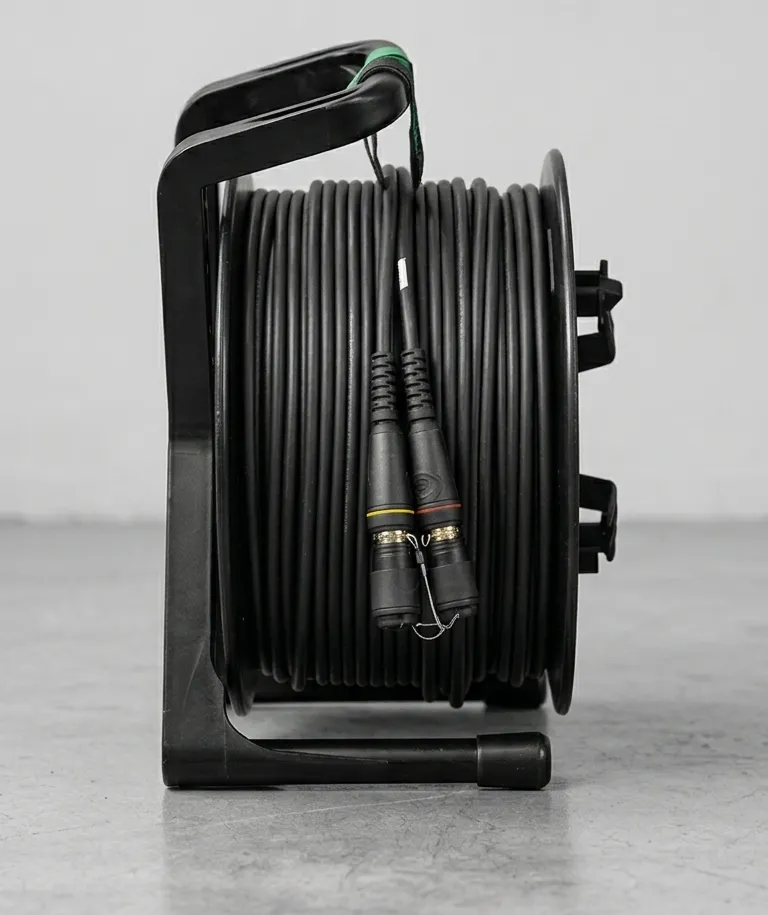
How to Test Fiber Optic Cable: Field Testing Guide for Production
Every fiber cable ships with a factory test report. Insertion loss measured, return loss documented, wavelength verified. That report tells you the cable was good when it left the bench. It tells you nothing about what happened after it was coiled, cased, trucked across the country, dragged through a loading dock, and deployed under a stage in the dark.
Field testing is how you close the gap between factory specs and show-day reality. If you’re not testing fiber before signal flow, you’re gambling — and the house always wins eventually.
Why Test Fiber Cable?
Factory test reports are a baseline, not a guarantee. They confirm the cable met spec at the moment of termination in a controlled environment. Here’s what changes between the factory and your show:
Connector contamination. A single dust particle on a fiber endface is roughly the same scale as the fiber core itself — 9 μm for single mode, 50 μm for multimode. One speck of dust can cause 1 dB or more of insertion loss. Every time a connector is mated and unmated, every time a dust cap comes off, contamination is possible. On a production site with road cases, dirt floors, and dozens of hands touching cable, contamination is practically guaranteed.
Bend damage. Tactical cable is built to handle field abuse, but it’s not indestructible. A cable that’s been kinked past its minimum bend radius, crushed under a road case wheel, or pinched in a door will show elevated loss or intermittent signal. The jacket might look fine. The fiber inside might not be.
Connector stress. Neutrik opticalCON and other tactical connectors are built tough, but repeated mating cycles wear on the ferrule alignment. A connector that tested at 0.15 dB insertion loss two years ago might test at 0.4 dB today. You won’t know unless you measure.
Pre-show testing should be standard practice — the same way you line-check every mic and verify every video path. A five-minute fiber test catches problems before they turn into on-air failures.
Three Levels of Fiber Testing
Not every situation calls for the same level of testing. Think of it as three tiers, each adding diagnostic depth.
Level 1: Visual Inspection
The most important test is the one most people skip. A fiber inspection scope (also called a fiber microscope) magnifies the connector endface at 200x–400x so you can see contamination, scratches, chips, and damage that are invisible to the naked eye.
What you’re looking at: The endface of a fiber connector has four zones defined by the IEC 61300-3-35 standard:
- Core zone (the center) — zero defects or contamination allowed
- Cladding zone (surrounding the core) — no scratches over 3 μm, no contamination
- Adhesive zone (epoxy ring) — minor defects acceptable
- Contact zone (outer ferrule) — minor contamination acceptable, no large particles
A clean connector has a smooth, uniform endface with no visible particles in the core or cladding zones. A contaminated connector looks like a moon surface — particles, smears, residue. A damaged connector shows scratches, pits, or chips in the glass.
The IEC 61300-3-35 standard defines pass/fail criteria for each zone. If the core or cladding zones have contamination, the connector fails — clean it and reinspect. If they show physical damage (chips, cracks), the connector needs re-termination.
Level 2: Power Meter / Light Source Testing
Visual inspection tells you what the connector looks like. A power meter test tells you what the cable actually does — how much light goes in one end and comes out the other.
The setup: Connect a calibrated light source to one end of the cable. Connect an optical power meter to the other end. The difference between the source power and the received power is the insertion loss of the link.
Acceptable values:
| Component | Maximum Acceptable Loss |
|---|---|
| LC connector (mated pair) | ≤ 0.3 dB |
| SC connector (mated pair) | ≤ 0.3 dB |
| ST connector (mated pair) | ≤ 0.3 dB |
| Neutrik opticalCON (mated pair) | ≤ 0.3 dB |
| Fusion splice | ≤ 0.1 dB |
| Mechanical splice | ≤ 0.5 dB |
| Fiber per km (single mode, 1310 nm) | ≤ 0.35 dB |
| Fiber per km (multimode, 850 nm) | ≤ 3.5 dB |
A good tactical cable assembly with quality connectors should measure well under these limits. If your factory test report says a connector measured 0.12 dB and your field test shows 0.45 dB, something changed — and it’s almost certainly contamination or damage.
Reference cable method: For accurate measurements, you need a known-good reference cable (also called a launch cable) to set your reference power level. Connect the light source to the reference cable, connect the reference cable to the power meter, and set that reading as your 0 dB reference. Then insert the cable under test between the reference cable and the meter. The power meter now reads the insertion loss of just the cable under test.
This is the workhorse test for production. Under a minute per cable, and it gives you a quantitative go/no-go answer. Equipment cost is reasonable: a decent optical power meter and light source kit runs $500–$1,500 from manufacturers like Kingfisher or Fluke Networks.
Level 3: OTDR Testing
An Optical Time Domain Reflectometer works differently from a power meter. Instead of measuring total insertion loss end-to-end, an OTDR sends a pulse of light down the fiber and analyzes the reflections that come back. It builds a distance-vs-loss trace that shows you exactly where events occur along the fiber.
What an OTDR trace shows:
- Connectors — reflective events (spikes) with measurable insertion loss
- Splices — non-reflective events (dips) with measurable loss
- Bends — gradual loss increases at specific points along the fiber
- Breaks — total signal loss at a specific distance
- Fiber attenuation — the gradual slope of the trace between events
Reading an OTDR trace is not hard once you know what to look for. The x-axis is distance. The y-axis is signal level in dB. A healthy fiber shows a steady downward slope (normal attenuation) punctuated by small events at connectors and splices. A problem shows up as an abnormally large event, a sudden slope change, or a complete drop to noise floor.
When OTDR testing is worth it:
- Permanent installations where you need to document the full link characteristics
- Troubleshooting when power meter testing shows elevated loss but you can’t identify the cause
- Long cable runs (100m+) where a bend or damage could be anywhere along the path
- Acceptance testing for installed infrastructure in venues
An OTDR is not a daily production tool. It’s a diagnostic and documentation tool. Units from Fluke Networks (OptiFiber Pro), EXFO, and Viavi Solutions start around $5,000 for basic models and climb well past $15,000 for full-featured units. Most production companies don’t own one — they rent when needed or use one owned by their integration partner.
Field Testing Procedure for Production
Here’s the procedure we recommend for pre-show fiber verification. It takes about five minutes per cable and catches most field failures before they become problems.
Step 1: Visual inspect both connectors. Use a fiber inspection scope at 200x or higher. Check both endfaces against IEC 61300-3-35 criteria. If either connector fails, proceed to Step 2.
Step 2: Clean if necessary. Use a one-click cleaner for LC, SC, and ST connectors. For Neutrik opticalCON connectors, use lint-free wipes with IPA (isopropyl alcohol). Reinspect after cleaning — never assume a single cleaning pass was sufficient. See our full guide on cleaning fiber connectors for detailed procedures.
Step 3: Connect the power meter at the far end, light source at the near end. Use the appropriate wavelength for your application — 850 nm for multimode, 1310 nm or 1550 nm for single mode. If you’ve set a reference, ensure it’s still valid for this testing session.
Step 4: Record the insertion loss. Write it down. On the cable label, in a spreadsheet, in your show documentation — wherever your team tracks cable inventory. A measurement you don’t record is a measurement you wasted.
Step 5: Compare against the factory test report. If field loss is within 0.1–0.2 dB of factory spec, the cable is good. If field loss is significantly higher, clean and retest. If cleaning doesn’t resolve it, flag the cable for further investigation.
Step 6: Document and label. Mark tested cables as verified for this deployment. If a cable fails testing, pull it from service and tag it. Don’t put a questionable cable back in the road case where someone will grab it for the next show.
Common Field Test Failures and Fixes
Most fiber problems on production sites fall into a few categories. Here’s what you’ll see and what to do about it.
High insertion loss (>0.5 dB per connector): Dirty connector — this is the cause roughly 80% of the time. Clean both endfaces, reinspect, retest. If loss remains high after thorough cleaning, inspect for endface damage. A chipped or scratched ferrule needs re-termination.
No signal at all: Either the fiber is broken or you have a configuration problem. First, verify your light source and power meter are set to the same wavelength. Verify you’re connected to the correct fiber in a multi-channel cable. If configuration is correct, use a visual fault locator (VFL) — a visible red laser that shows breaks, tight bends, and bad connectors by illuminating the fiber with visible light. A VFL will show you exactly where a break or macro-bend is located.
Intermittent signal (drops in and out): Loose connector mating, or a bend point that shifts with cable movement. Check connector seating — especially Neutrik opticalCON locking mechanisms. Wiggle the cable gently while watching the power meter. If the reading fluctuates, follow the cable path and look for sharp bends, pinch points, or areas where the cable is under tension.
Gradually degraded signal (elevated loss but still passing): Check the entire cable path for bend radius violations. Even a gradual bend that’s technically within spec can add loss if there are multiple bends in series. Also check connector mating cycle count if you track it — connectors do wear over time.
Recommended Testing Equipment
What you need depends on your budget and how deep you want to go. Here’s how we’d prioritize:
| Tier | Equipment | Approximate Cost | What It Gets You |
|---|---|---|---|
| Budget | VFL + optical power meter | $200–$400 | Basic go/no-go testing, break location |
| Professional | Add fiber inspection scope (200x+) | $800–$1,500 total | Visual pass/fail on connectors, quantitative loss measurement |
| Advanced | Add OTDR | $6,000–$20,000 total | Full link characterization, distance-to-fault, event mapping |
Budget tier gets you a visual fault locator (a pen-style visible laser, $50–$100) and an optical power meter ($150–$300). The VFL finds breaks and macro-bends. The power meter gives you insertion loss numbers. This is the bare minimum for any production company running fiber.
Professional tier adds a fiber inspection scope. This is the tier we recommend for most production companies. Kingfisher, Fluke Networks, and EXFO all make field-portable inspection scopes in the $300–$800 range. Combined with the VFL and power meter, you can inspect, measure, and verify every cable before it goes live. This catches 95% of field problems.
Advanced tier adds an OTDR for full diagnostic capability. Fluke Networks OptiFiber Pro, EXFO MaxTester, and Viavi Solutions SmartOTDR are all solid choices for production environments. This tier is for companies with permanent installations to maintain, large fiber inventories, or clients who require OTDR documentation as part of acceptance testing.
Make Testing the Default
Testing fiber cable takes minutes. Troubleshooting a failed fiber link during a live show takes hours you don’t have when the director is calling for cameras and your fiber backbone is dark.
Build testing into your load-in workflow. Inspect and test every fiber before it carries signal. Record results. Compare against factory specs. Pull bad cables before they pull your show apart.
The gear costs less than one on-air failure. The time costs less than one troubleshooting session you could have avoided.
Test your cable. Every time.